AI Adult Image Enhancement Guide: Quality, Realism, Safety & Tool Settings
ADULT AI IMAGE GUIDE
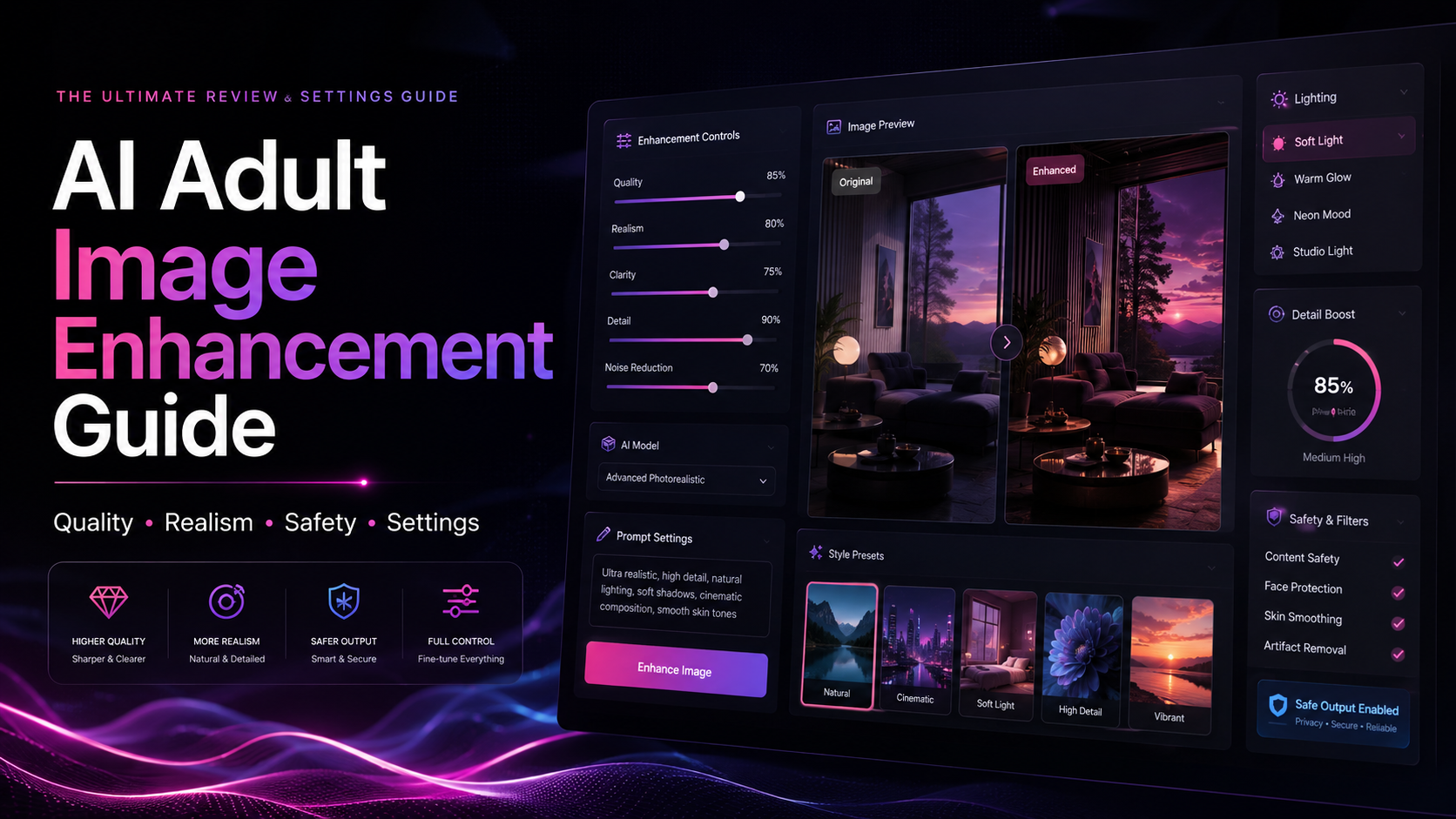
Improving adult AI image quality is not just about adding stronger words to a prompt. Better results usually come from clearer scene direction, cleaner settings, realistic lighting, fewer conflicting instructions, privacy-aware uploads, and smarter credit use. This guide explains how to evaluate and improve adult AI image outputs without turning the article into an explicit prompt tutorial.
Quick verdict: Better adult AI image quality starts with a better workflow. Use clear prompts, review lighting and composition, avoid overloading the model, check privacy rules before uploading references, and compare pricing or credit limits before paying for repeated generations.
| Improve Quality | Avoid Waste | Always Check |
|---|---|---|
| Prompt clarity, settings, realism, composition, artifact review | Overloaded prompts, repeated blind regeneration, unsafe uploads | Privacy policy, upload handling, credits, cancellation, content rules |
In this guide
- What AI adult image enhancement really means
- Image quality factors that matter
- Prompt clarity without overloading the model
- Settings to check before regenerating
- Common AI image problems and fixes
- When to use templates or presets
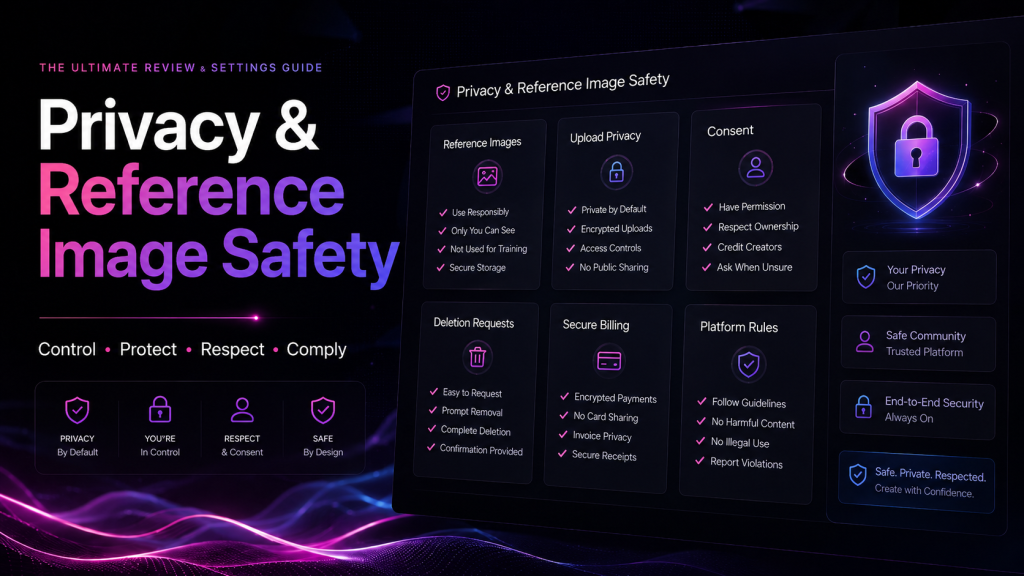
- Privacy, uploads, and reference images
- Pricing and credit waste checklist
- What to avoid
- Best tools to compare
- Final verdict
- FAQ
What AI Adult Image Enhancement Really Means
AI adult image enhancement means improving the overall quality of adult AI outputs: clarity, realism, composition, style consistency, texture, lighting, and usability. It can also mean reducing common AI artifacts such as blur, distorted hands, unnatural anatomy, harsh skin texture, messy backgrounds, or inconsistent style across variations.
This guide focuses on quality improvement and safer workflow decisions. It does not provide explicit step-by-step prompts for specific sexual effects, and it does not encourage users to bypass provider policies or platform rules.
The better question is not “How do I make one specific effect stronger?” The better question is “How do I create cleaner, more realistic, more consistent adult AI images without wasting credits or creating privacy risks?”
Image Quality Factors That Matter
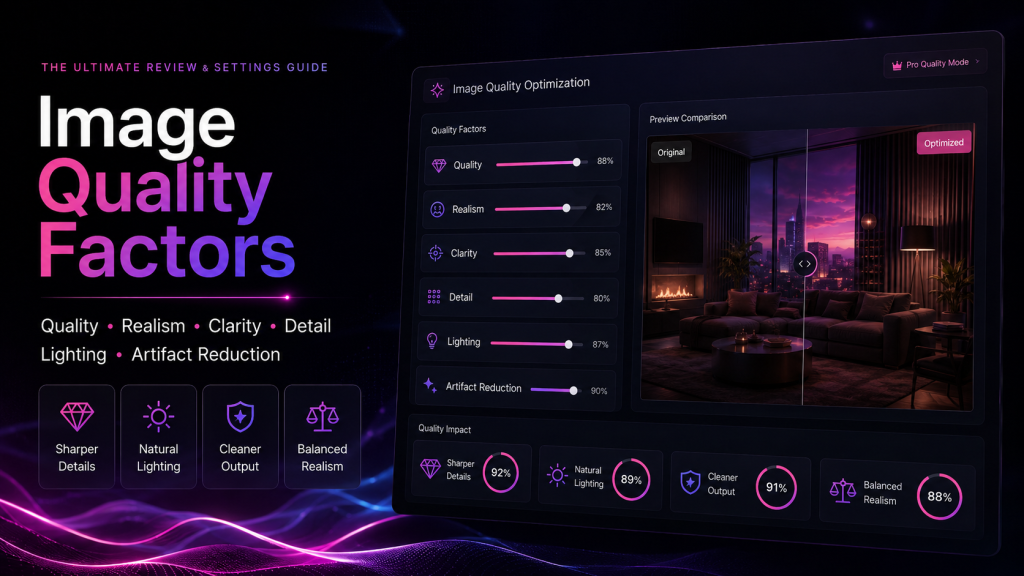
Good adult AI images usually depend on the same foundations as other visual content: composition, lighting, subject consistency, camera framing, style direction, and realistic detail. If those basics are weak, adding more prompt terms rarely fixes the result.
| Quality Factor | What to Look For |
|---|---|
| Composition | The image has a clear subject, clean framing, and a readable scene layout. |
| Lighting | Lighting direction, shadows, and highlights feel intentional rather than random. |
| Realism | Skin, fabric, background, and body proportions avoid plastic or overprocessed artifacts. |
| Consistency | The visual style stays stable across variations and edits. |
| Detail control | Important details are clear without oversharpening or visual noise. |
| Artifact review | Hands, eyes, faces, edges, reflections, and backgrounds are checked before publishing. |
Prompt Clarity Without Overloading the Model
A common mistake is trying to solve every problem by adding more words. Long prompts can work, but conflicting instructions often confuse the model. A cleaner approach is to define the scene, lighting, style, camera framing, quality level, and what to avoid.
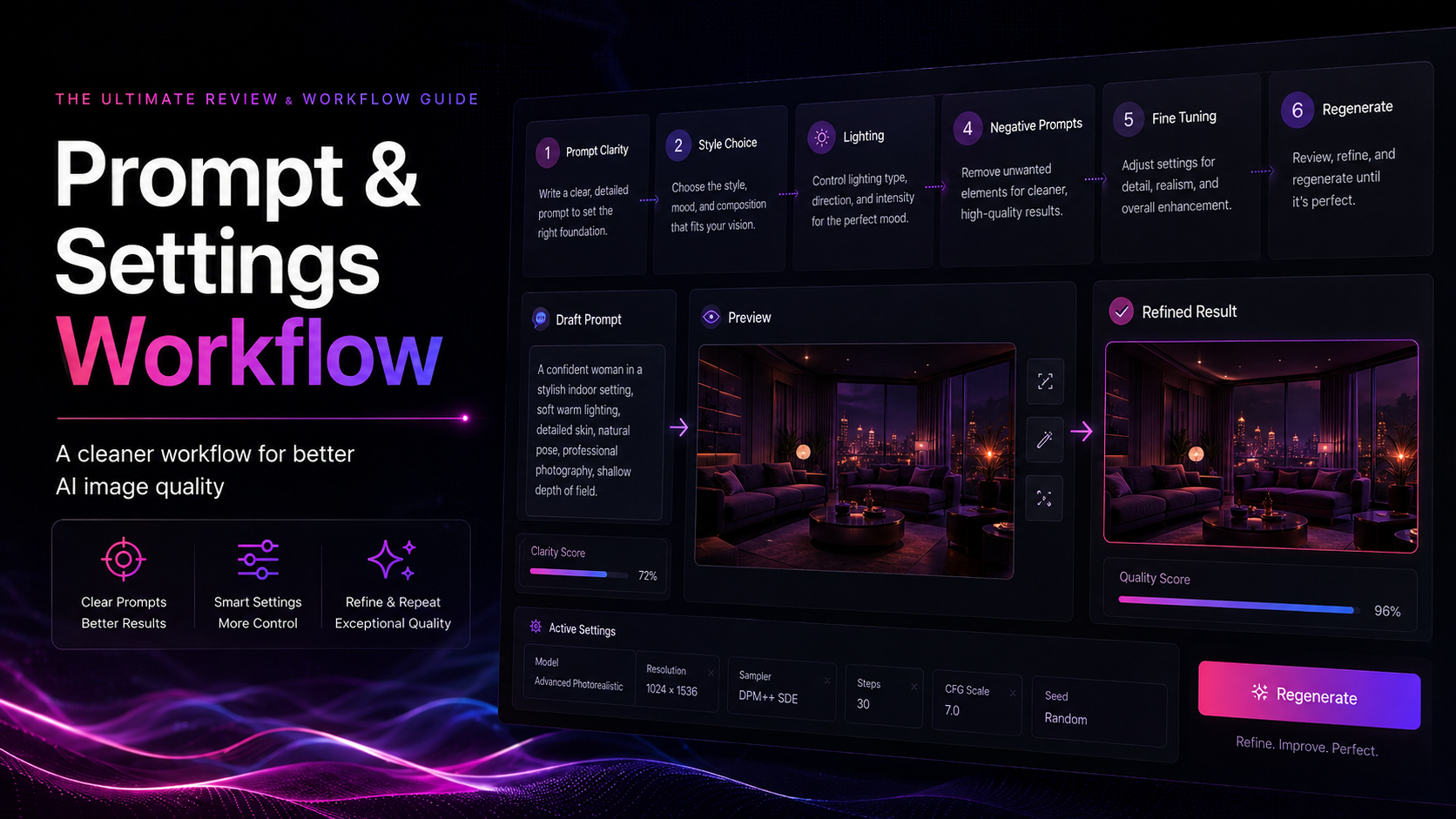
Better prompt structure
- Start with the subject and scene direction.
- Add lighting and camera framing.
- Choose one main style direction instead of several competing styles.
- Use quality descriptors only when they add clarity.
- Use negative prompts for common artifacts, not for trying to force unsafe content.
- Refine in small steps instead of changing everything at once.
Prompt habits to avoid
- Do not overload the prompt with too many conflicting style references.
- Do not use real-person names, private likenesses, or non-consensual reference prompts.
- Do not assume explicit wording improves quality.
- Do not regenerate repeatedly without changing the cause of the problem.
- Do not ignore the provider’s content rules or privacy policy.
Settings to Check Before Regenerating
Before spending more credits, check whether the issue is actually a settings problem. Quality mode, resolution, aspect ratio, prompt strength, style strength, seed behavior, and reference image controls can all change the output.
| Setting | Why It Matters |
|---|---|
| Quality mode | Higher quality settings may improve detail but can cost more credits. |
| Aspect ratio | Wrong aspect ratios can create awkward framing or cropped subjects. |
| Prompt strength | Too low may ignore instructions; too high may overfit and create artifacts. |
| Style strength | Heavy style settings can make results less realistic or too processed. |
| Seed / variation controls | Useful when you want similar results with small adjustments. |
| Reference controls | Can help consistency, but only use references you have rights and consent to use. |
Common AI Image Problems and Fixes
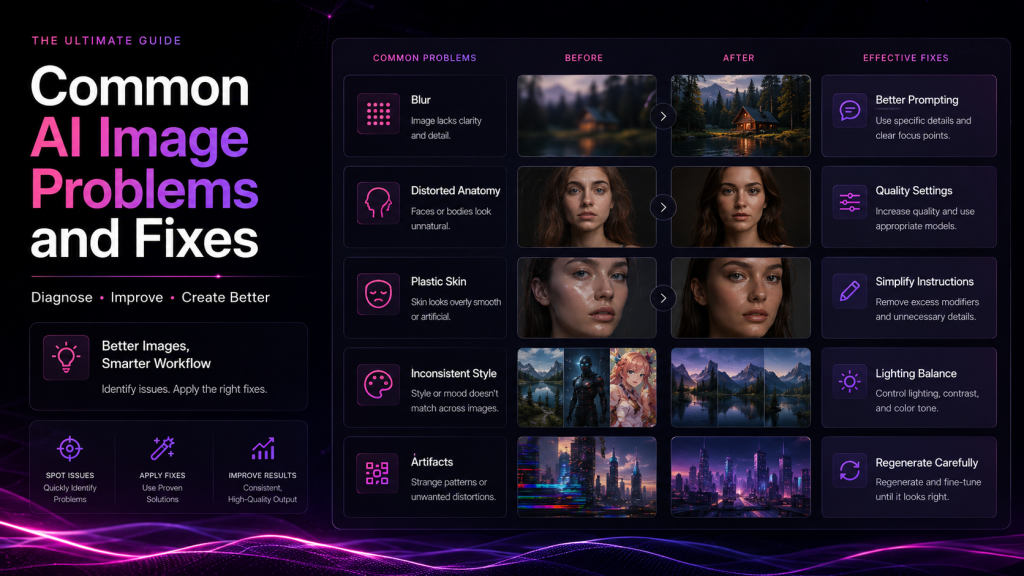
The fastest way to improve output quality is to identify the specific failure. A blurry image needs a different fix than an overprocessed image. A distorted pose needs a different fix than a weak composition.
| Problem | Why It Happens | Better Fix |
|---|---|---|
| Blurry output | Low quality setting, weak detail direction, or heavy compression | Use a higher quality setting and clearer visual direction. |
| Distorted anatomy | Model limitation, difficult pose, or overloaded prompt | Simplify the scene, reduce pose complexity, and review before publishing. |
| Inconsistent style | Too many conflicting style instructions | Choose one main style direction and refine gradually. |
| Plastic-looking skin | Overprocessed settings or too much sharpening | Reduce heavy style effects and use more natural lighting direction. |
| Messy background | The prompt focuses only on the subject | Describe the environment simply and remove unnecessary details. |
| Credit waste | Repeated regeneration without diagnosing the issue | Change one variable at a time and compare results. |
When to Use Templates or Presets
Templates and presets can help beginners get consistent results, but they can also create generic images if everyone uses the same structure. Use them as a starting point, then customize the scene, style, lighting, and composition so the output feels intentional.
Use templates when
You are new to the platform, testing quality settings, comparing styles, or trying to understand what the model responds to.
Avoid relying on templates when
You want original-looking results, consistent brand direction, or specific composition. Generic templates can make images feel repetitive.
Privacy, Uploads, and Reference Images
Privacy is especially important for adult AI tools. Reference uploads can be useful, but they also create privacy and rights questions. Before uploading anything, check how the provider handles files, storage, moderation, deletion, and account data.
Reference image safety checklist
- Only upload images you own or have clear rights to use.
- Avoid uploading private, sensitive, or identifying content unless the provider’s policy is clear.
- Do not upload another person’s face or body without consent.
- Check whether uploads are stored, reviewed, or used for model improvement.
- Confirm whether uploaded files and generated outputs can be deleted.
- Review billing privacy and account security before subscribing.
Pricing and Credit Waste Checklist
Image enhancement can get expensive if every failed generation consumes credits. Before paying for any adult AI image tool, compare the real cost of testing, regeneration, upscaling, premium models, and downloads.
| Credit Check | Why It Matters |
|---|---|
| Generation cost | Some tools charge credits for each output, even if the result is not usable. |
| Regeneration cost | Repeated attempts can burn credits quickly. |
| Upscale cost | High-resolution exports may require extra credits or premium plans. |
| Premium model access | The best results may be locked behind higher tiers. |
| Refund rules | Adult AI tools may have strict refund policies. |
| Cancellation steps | Confirm how to stop renewal before subscribing. |
What to Avoid
A quality guide should help users avoid bad decisions, not just push them toward stronger prompts. The safest workflow respects provider rules, privacy, consent, and realistic expectations.
Avoid these mistakes
- Do not use real-person likenesses without consent.
- Do not upload private reference images without understanding storage and deletion rules.
- Do not treat AI-generated output as automatically publishable.
- Do not rely on explicit wording as a substitute for better composition or lighting.
- Do not ignore artifacts in faces, hands, edges, reflections, or backgrounds.
- Do not publish content that violates platform rules or local law.
- Do not subscribe without checking credits, renewals, refunds, and cancellation.
Best Tools to Compare
The best adult AI image enhancement workflow depends on the platform’s prompt control, style options, privacy policy, output quality, credit model, and whether it supports the kind of editing or generation you need.
| Tool Type | Best For | What to Compare |
|---|---|---|
| Adult AI image generators | Prompt-based image creation and visual drafts | Quality, style controls, credits, privacy, content rules |
| Advanced visual platforms | More control, premium models, and refinement options | Customization depth, export quality, pricing, learning curve |
| Character tools | Consistent fictional personas and visual concepts | Character consistency, editing tools, rights, privacy |
| Image editors | Post-processing and cleanup after generation | Retouching tools, export quality, commercial-use terms |
| Privacy-focused workflows | Sensitive projects and careful review | Upload storage, deletion, billing, account controls |
Final Verdict: Better Quality Starts With Better Workflow
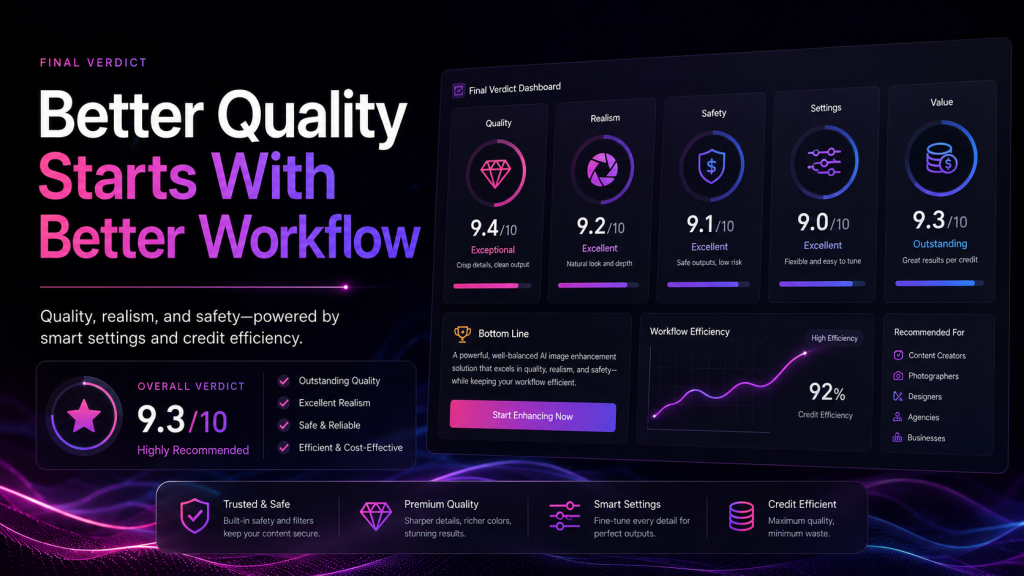
The most reliable way to improve adult AI image quality is not to chase one magic prompt. Better results usually come from a cleaner workflow: clear scene direction, controlled settings, quality review, privacy-aware uploads, and smarter credit use.
If you are comparing tools like PornWorks AI or other adult AI generators, focus on prompt control, output consistency, export quality, privacy rules, and pricing transparency. A tool is only worth paying for if it helps you get better results without creating privacy risks or wasting credits.
Frequently Asked Questions
What does AI adult image enhancement mean?
AI adult image enhancement means improving the quality, realism, consistency, and usability of AI-generated adult images through clearer prompts, better settings, careful review, privacy checks, and responsible tool use. It should not be treated as a guide to creating explicit effects or bypassing platform rules.
Can prompts improve adult AI image quality?
Yes. Clear prompts can improve composition, lighting, style direction, camera framing, and realism. Overloaded prompts can make results worse, so it is usually better to use focused descriptions and refine in steps.
Should I use reference images in adult AI tools?
Only use reference images when you have the rights and consent to do so, and only after reviewing the provider’s privacy policy, upload handling, storage rules, moderation practices, and deletion options.
Why do adult AI images look blurry or distorted?
Blurry or distorted outputs can happen because of low-quality settings, conflicting prompt instructions, model limitations, excessive regeneration, weak composition, or artifacts in the generation process. A simpler prompt and clearer quality settings often help.
How can I avoid wasting credits?
Start with lower-risk test generations, refine prompts gradually, avoid unnecessary regeneration, compare settings before upgrading, and check whether failed outputs consume credits or premium usage.
Are adult AI image tools private?
Privacy depends on the provider. Read the privacy policy before generating or uploading anything, especially if the platform stores prompts, generated images, reference uploads, account data, or billing information.
Which adult AI tool is best for image quality?
The best tool depends on your use case. Compare prompt control, style options, output consistency, privacy rules, credit value, export quality, and whether the platform clearly explains what is allowed.
Affiliate Disclosure
Some links on this page may be affiliate links. If you sign up through those links, Porn AI Review may earn a commission at no extra cost to you. Our guides are written to help readers make clearer, more informed decisions.