
 NEW IMAGE
⚡ Generate
Pick an effect, upload your photo, and the built-in recipe does the rest. Same photo, far more reliable results.
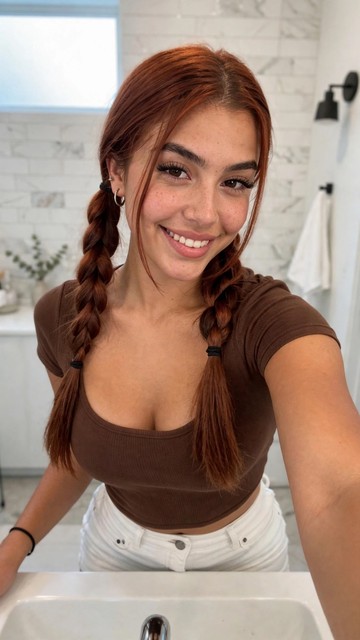
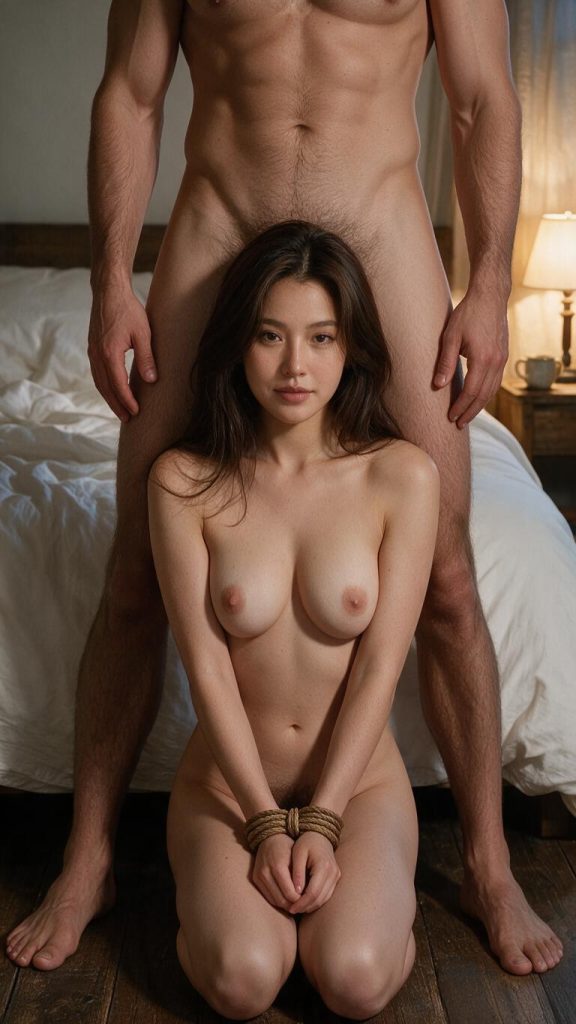
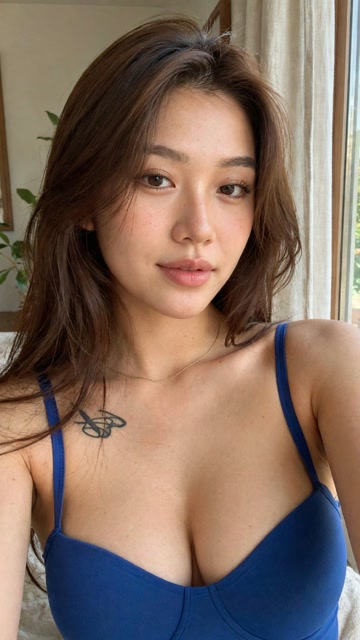
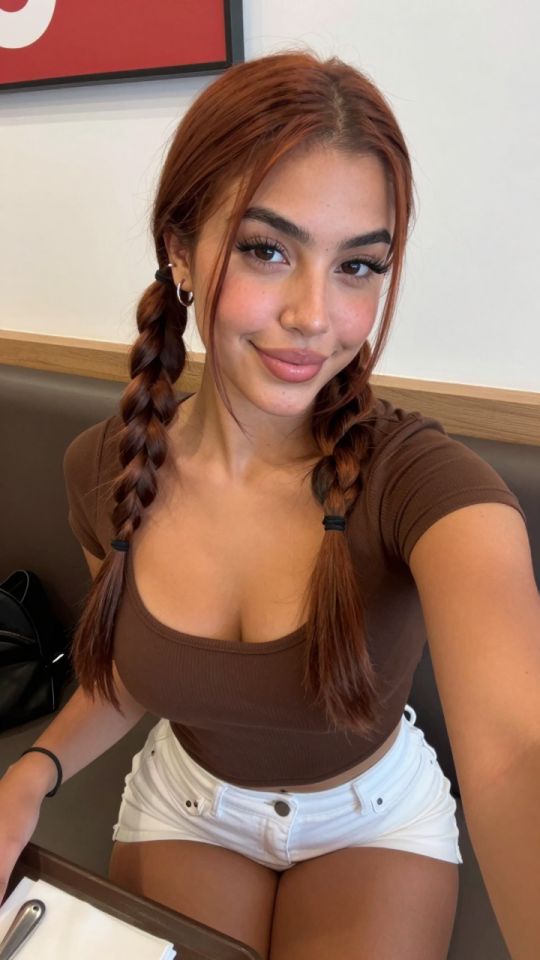
You have been writing prompts by hand. Templates skip all of that — pick a card below, upload your photo, and get the same scene in one click.
NEW IMAGE
⚡ Generate
 5s
⚡ Generate
 NEW 5s
⚡ Generate
 5s
⚡ Generate
 IMAGE
⚡ Generate
 5s
⚡ Generate
 NEW IMAGE
⚡ Generate
 NEW IMAGE
⚡ Generate
 5s
⚡ Generate
 NEW 5s
⚡ Generate
 NEW IMAGE
⚡ Generate
 NEW 5s
⚡ Generate
On this page
The AI porn generator is a text-to-image tool that turns a written description into a custom adult image in under a minute. You type what you want to see — a character, a setting, a mood, a pose — and the generator renders it as a finished, high-resolution picture. It is built for adults who want images that match their exact taste, instead of scrolling through endless galleries hoping to find something close to what they imagined.
Unlike a stock photo site, everything here is made on demand. No two generations are exactly alike, and you control the details: the person, the clothes, the lighting, the camera angle, the art style. You can start from a blank prompt, or you can start from one of the ready-made templates in the strip below the generator and change the character, the setting or the pose to make it yours. New users can try the AI porn image generator free with the credits included in a new account, and you only pay for the generations you actually run.
Generating an image takes four steps, and the whole process usually takes less than a minute from idea to finished picture.
Here is what the generator offers, and why people use it instead of searching for images made by someone else.
Turn any written idea into a finished image. No drawing skills, no stock photos, no waiting on an artist.
Start from a curated template and change the character, the setting or the pose to make the result yours.
Photorealistic, anime, 3D render, illustration and painterly styles, with a wide range of poses, angles and settings.
Generate sharp, detailed images and upscale them for wallpapers, prints or close-up viewing without visible blur.
Your prompts and images are tied to your account and are never published or shared. Generated files are deleted automatically on a schedule.
Images you generate with credits carry no watermark, so they are ready to use however you like.
The difference between a mediocre image and a great one is usually the prompt. The model can only draw what you describe, so a vague prompt gives you a generic result and a specific prompt gives you the image you actually wanted. These five habits will improve almost every generation.
Do not write a woman. Write the subject, the style, the lighting, the setting and the camera angle, in that order. A short prompt can work when the idea is simple:
A woman with long red hair in a sunlit bedroom, photorealistic, soft morning light, portrait orientation.
For a more controlled result, add the details that matter most to you — the outfit, the lens, the mood:
A woman with long red hair and freckles, wearing a black silk dress, standing by a large window in a loft apartment at golden hour, photorealistic, 85mm lens, shallow depth of field, warm cinematic lighting, vertical 9:16.
Keep the prompt to one scene. If you cram two different ideas into one prompt, the model will blend them and neither will look right.
If you do not know where to begin, pick a template whose composition you like and change only one thing at a time: swap the hair colour, change the room, or change the outfit. Templates give you a pose and framing that already work, so you are editing a good image instead of gambling on a blank prompt. Once you find a template you like, save its wording and reuse it as your own starting point.
Choose the format before you generate, not after. Portrait (9:16) fits phone wallpapers and stories. Landscape (16:9) fits desktop screens and presentations. Square (1:1) fits social posts and avatars. If you generate in the wrong ratio and crop it later, you will cut off the part of the composition that made the image work.
The model is non-deterministic, which means the same prompt produces a different image every time. Run the same prompt three or four times and compare the batch. The first result is rarely the best; usually one of the later variations has the face, the pose or the lighting just right. This is the cheapest way to improve quality, because you are spending a few extra credits instead of rewriting the prompt from scratch.
Do not treat the first generation as the final image. Use the image editor to fix a specific detail, such as a hand, a background object or a colour that came out wrong, and use the upscaler to sharpen the final version before you download it. Upscaling after the composition is settled gives you a cleaner result than upscaling a draft you are still going to change.
The generator is flexible, and people use it for very different things. The most common uses are:
If you can describe it clearly, you can usually generate a version of it. When a result is not what you expected, the fix is almost always a more specific prompt, a different template, or another variation of the same prompt.
You can try it free with the credits included in a new account. After those run out, generations cost credits, and you only pay for the images you actually generate. There is no subscription required to use the generator.
Yes, a free account is required so your images and credits are saved to you and you can come back to them later. Signing up takes under a minute, and your generations are tied to your account from the first image.
Yes. Your prompts and images are tied to your account and are never published, shared or sold. Generated files are deleted automatically on a schedule, and nobody else can see what you created unless you choose to share it yourself.
Photorealistic, anime, 3D render, illustration and painterly styles, in portrait, landscape or square formats, with a wide range of poses, settings and lighting. You choose the style in the generator before each run, and you can mix a style with any subject.
Images you generate are yours to use, including commercially, subject to the site terms. You are responsible for complying with the rules of any platform where you post them, and for making sure the content you create follows the law where you live.
The most common causes are a prompt that is too vague, two conflicting ideas in one prompt, or a temporary model error. Make the prompt more specific, simplify it to one scene, and try again. If a body part looks distorted, add a short phrase such as anatomically correct, natural proportions and regenerate. If the problem persists, try a template as your starting point instead of a blank prompt.
Ready to try it? Describe your idea in the generator at the top of this page and create your first image in under a minute.
Your image is deleted after generation.
Browse filesFailed jobs are refunded automatically. Results land in My Collection.
Sign in with Google to start generating
Opening secure Google sign-in…