
 NEW 5s
⚡ Generate
Nine focused generators and editors, each tuned for one job. Pick a tool to work free-form, or start from a ready-made template below and skip the prompt writing entirely.
Create original AI porn images from a plain text prompt.
▶ ↗Turn a prompt or a photo into a short AI porn video clip.
U ↗Undress a photo in one click — automatic and fully private.
F ↗Swap a face into any photo while the scene stays untouched.
V ↗Put a face into a video and keep the motion looking natural.
E ↗Edit any image with a written instruction — relight, restyle, extend.
HD ↗Upscale images to crisp high resolution without losing detail.
4K ↗Boost video resolution and clarity for a sharper finish.
▦ ↗Browse fresh community creations made with every PornAIReview tool.
Every template is a finished scene recipe with its own tuned model: add your photo, confirm the credit price on the button, and generate. No prompt engineering, no editing software.
NEW 5s
⚡ Generate
 NEW 5s
⚡ Generate
 NEW 5s
⚡ Generate
 NEW 5s
⚡ Generate
 NEW 5s
⚡ Generate
 NEW IMAGE
⚡ Generate
 NEW IMAGE
⚡ Generate
 NEW IMAGE
⚡ Generate
 NEW IMAGE
⚡ Generate
 NEW IMAGE
⚡ Generate
 NEW IMAGE
⚡ Generate
 NEW IMAGE
⚡ Generate
 NEW IMAGE
⚡ Generate
 NEW IMAGE
⚡ Generate
 NEW IMAGE
⚡ Generate
 NEW IMAGE
⚡ Generate
 NEW IMAGE
⚡ Generate
 NEW IMAGE
⚡ Generate
 NEW IMAGE
⚡ Generate

 NEW IMAGE
⚡ Generate
 NEW IMAGE
⚡ Generate
 NEW IMAGE
⚡ Generate
 NEW IMAGE
⚡ Generate
 NEW IMAGE
⚡ Generate
 NEW IMAGE
⚡ Generate
 NEW IMAGE
⚡ Generate
 NEW IMAGE
⚡ Generate
 NEW IMAGE
⚡ Generate
 NEW IMAGE
⚡ Generate
 NEW IMAGE
⚡ Generate
 NEW IMAGE
⚡ Generate
 NEW IMAGE
⚡ Generate
 NEW IMAGE
⚡ Generate
 NEW IMAGE
⚡ Generate
 NEW IMAGE
⚡ Generate
 NEW IMAGE
⚡ Generate
 NEW IMAGE
⚡ Generate
 NEW IMAGE
⚡ Generate
 NEW IMAGE
⚡ Generate
 NEW IMAGE
⚡ Generate
 NEW IMAGE
⚡ Generate
 NEW IMAGE
⚡ Generate
 NEW IMAGE
⚡ Generate
 NEW IMAGE
⚡ Generate
 5s
⚡ Generate
 5s
⚡ Generate
 5s
⚡ Generate
 IMAGE
⚡ Generate
 IMAGE
⚡ Generate
 5s
⚡ Generate
 5s
⚡ Generate
 NEW 5s
⚡ Generate
 5s
⚡ Generate
 5s
⚡ Generate
 5s
⚡ Generate
 NEW 5s
⚡ Generate
 NEW 5s
⚡ Generate
 5s
⚡ Generate
 5s
⚡ Generate
 NEW 5s
⚡ Generate
 5s
⚡ Generate
 NEW 5s
⚡ Generate
 5s
⚡ Generate

 IMAGE
⚡ Generate
 5s
⚡ Generate
 5s
⚡ Generate
 NEW 5s
⚡ Generate
 NEW 5s
⚡ Generate
 IMAGE
⚡ Generate
 IMAGE
⚡ Generate
 NEW IMAGE
⚡ Generate
 NEW 5s
⚡ Generate
 NEW IMAGE
⚡ Generate
 5s
⚡ Generate
 5s
⚡ Generate
 5s
⚡ Generate
 IMAGE
⚡ Generate
 5s
⚡ Generate
 5s
⚡ Generate
 NEW IMAGE
⚡ Generate
 5s
⚡ Generate
 IMAGE
⚡ Generate
 NEW 5s
⚡ Generate
 5s
⚡ Generate
 5s
⚡ Generate
 5s
⚡ Generate
 5s
⚡ Generate
 5s
⚡ Generate
 5s
⚡ Generate
 5s
⚡ Generate
 NEW 5s
⚡ Generate
 IMAGE
⚡ Generate
 5s
⚡ Generate
 5s
⚡ Generate
 5s
⚡ Generate
 5s
⚡ Generate
 5s
⚡ Generate
 5s
⚡ Generate
 IMAGE
⚡ Generate
 5s
⚡ Generate
 NEW IMAGE
⚡ Generate

 IMAGE
⚡ Generate
 NEW 5s
⚡ Generate
 IMAGE
⚡ Generate
No templates in this view yet — try another filter.
PornAIReview groups the generators people actually use into one toolbox. The image and video generators work free-form: describe the scene and let the model build it. The editors work on material you already have — undress a photo, swap a face into an image or a clip, rewrite a picture with a written instruction, or upscale a finished result until it is sharp enough to keep. Each tool lives on its own page with its own controls, so nothing is buried inside one oversized interface.
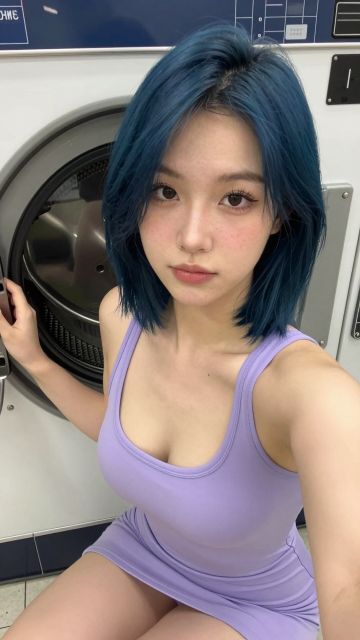
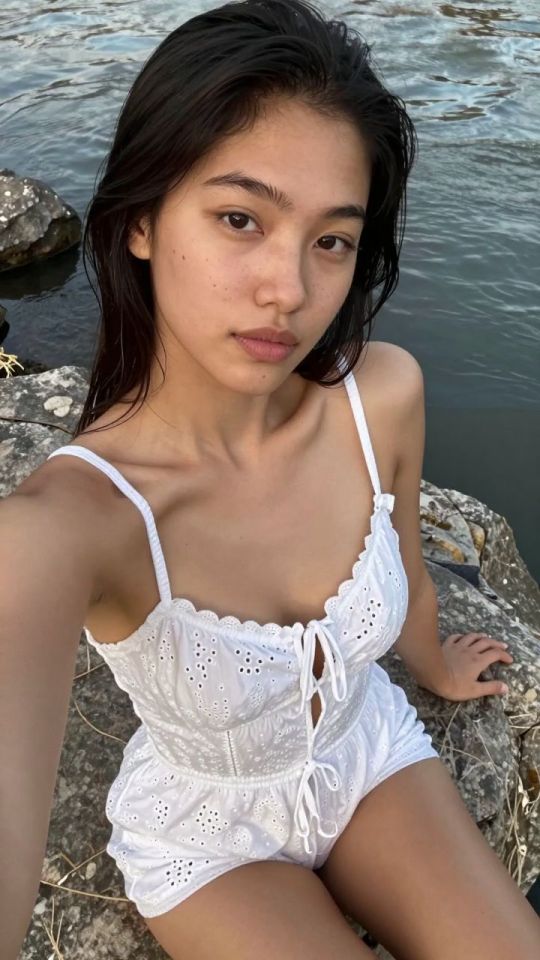
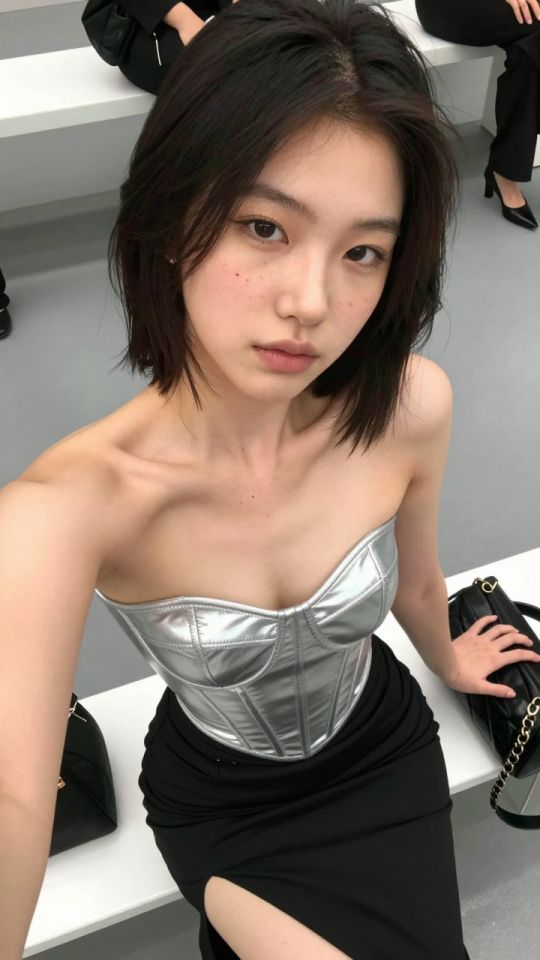
Prompting is a skill, and most visitors would rather not learn it. The template library above is the shortcut: every card is a complete recipe — pose, camera, motion and styling are already tuned — paired with a preview that shows the exact result style before you spend a single credit. Upload a photo that matches the framing on the card, and the recipe rebuilds the scene around you.
Uploads are deleted after generation, results rest privately in your account, and finished media carries no watermark. Prices are always printed on the generate button before you confirm, and a failed job is refunded automatically — you never pay for a render that did not complete.
If you have a photo, start with a template or the undress and face swap tools. If you only have an idea, start with the image or video generator and describe the scene in plain words.
Every tool runs on credits, and the exact price is shown before you confirm — image tools start from a handful of credits, video costs more because it renders frame by frame. There are no surprise charges afterwards.
No. Finished results are delivered clean, and they stay private to your account unless you choose to share them.
Failed jobs are refunded automatically. Successful results land in your collection, ready to download or send on to the editor and upscaler.
On this page
The AI porn tools are a toolbox of nine focused generators and editors, each tuned for one job. The image and video generators work free-form: describe a scene and let the model build it. The editors work on material you already have — undress a photo, swap a face into an image or a video clip, rewrite a picture with a written instruction, or upscale a finished result until it is sharp enough to keep. The gallery is where the community publishes its best work, so you can see what the tools can do before you spend a credit.
Each tool lives on its own page with its own controls, so nothing is buried inside one oversized interface. Pick the tool that matches the job, do that job, and move on. If you are not sure which tool you need, the comparison below will point you to the right one in ten seconds.
Start from what you have, not from the tool list. The right tool depends on whether you have an idea, a photo, or a finished image.
Nine tools, each with one job. Here is the short version of what each one does.
Text-to-image. Describe a scene and get a finished adult image in under a minute. The starting point for most work.
Text-to-video and image-to-video. Turn a prompt or a photo into a short moving clip with natural motion.
One-click undress. Upload a photo and get the nude version, keeping the same face, pose and lighting.
Put a face from one photo onto the person in another, matching skin tone and lighting so the blend looks real.
The same swap, in a moving clip. The face is tracked across frames so it stays consistent as the person moves.
Edit any image with a written instruction, upscale images and video to crisp high resolution, and browse the community gallery for inspiration.
The tools work best as a workflow, not as isolated buttons. A good result usually passes through two or three of them in order.
Start with the image or video generator and get the composition right. Do not try to fix a bad composition with the editor — if the pose or the framing is wrong, generate a new version. The editor is for fixing details, not for rescuing a bad generation.
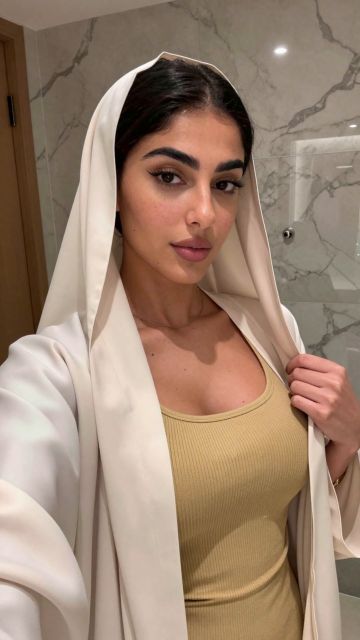
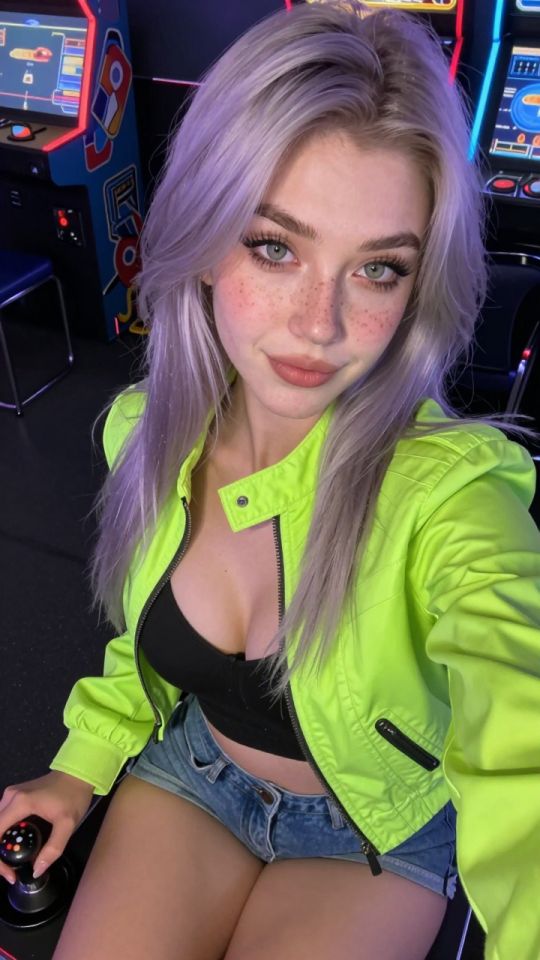
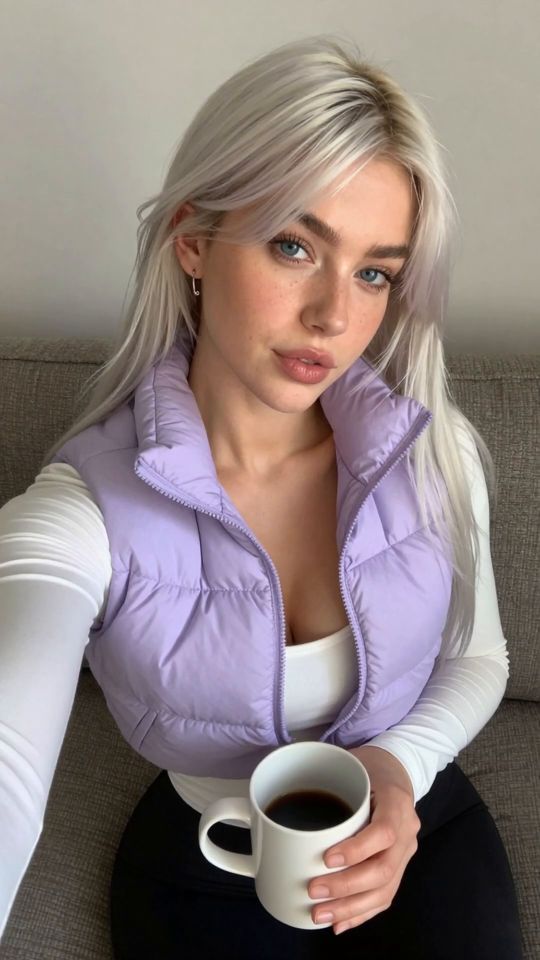
Prompting is a skill, and most visitors would rather not learn it. The template library is the shortcut: every card is a complete recipe — pose, camera, motion and styling already tuned — with a preview that shows the exact result style before you spend a credit. Pick a template, change one thing, and generate.
The natural order is: generate, then edit, then upscale. Generate the image, use the editor to fix a detail or change the setting, then upscale the finished version for a sharp result. Upscaling before editing wastes credits, because the editor has to work on a larger image and the upscaled detail gets smeared by the edit.
When you move an image between tools, say so explicitly. If you edit a picture of a person, add keep her face exactly the same to the instruction. If you face swap, use a clear, front-facing source photo with matching light. The face is the part people notice first, and it is the part that drifts most easily between tools.
Before you spend credits on a new idea, check the gallery for the same kind of image. If someone already made a version that works, study the composition, the lighting and the pose, then apply the same ingredients to your own generation. The gallery is a free lesson in what works.
Because the tools chain together, the range is wide:
The toolbox is designed so that each tool does one job well, and the jobs fit together. Start with the tool that matches what you have, and add the next tool only when the first one has done its job.
Yes, a free account is required so your images, videos and credits are saved to you and you can come back to them later. Signing up takes under a minute. Browsing the gallery and the template library is free without an account.
Yes, and that is how they work best. The natural order is: generate an image or a video, edit it if a detail is wrong, then upscale the finished version. Face swap and undress work on photos you already have, and the gallery is where you publish the result.
New accounts include free credits, and you can try any of the tools with them. After the free credits run out, each tool costs credits per use, and the exact price is shown on the button before you confirm. Browsing the gallery and the templates is always free.
There is no app to install. The tools run in the browser on your phone or your desktop, and they work the same way on both. Open the site, pick a tool, and generate — nothing to download, nothing to install.
You can open any gallery image at full size and save it for personal use. The creator keeps the rights to their own work, so check the site terms before reusing an image commercially or posting it elsewhere.
No. Everything runs in the browser. There is no software to download, no plugin to install, and no account on a third-party service. Pick a tool, upload or describe what you want, and generate.
Not sure where to begin? Start with the AI Porn Generator — describe a scene in plain words and create your first image in under a minute.
Start with the Image GeneratorYour image is deleted after generation.
Browse filesFailed jobs are refunded automatically. Results land in My Collection.
Sign in with Google to start generating
Opening secure Google sign-in…