
 5s
⚡ Сгенерировать
Выберите эффект, загрузите ваше фото, и встроенный рецепт делает остальное. То же фото, гораздо более надёжные результаты.
Вы писали промпты вручную. Шаблоны пропускают всё это — выберите карточку ниже, загрузите ваше фото, и получите ту же сцену в один клик.
5s
⚡ Сгенерировать
 НОВОЕ ИЗОБРАЖЕНИЕ
⚡ Сгенерировать
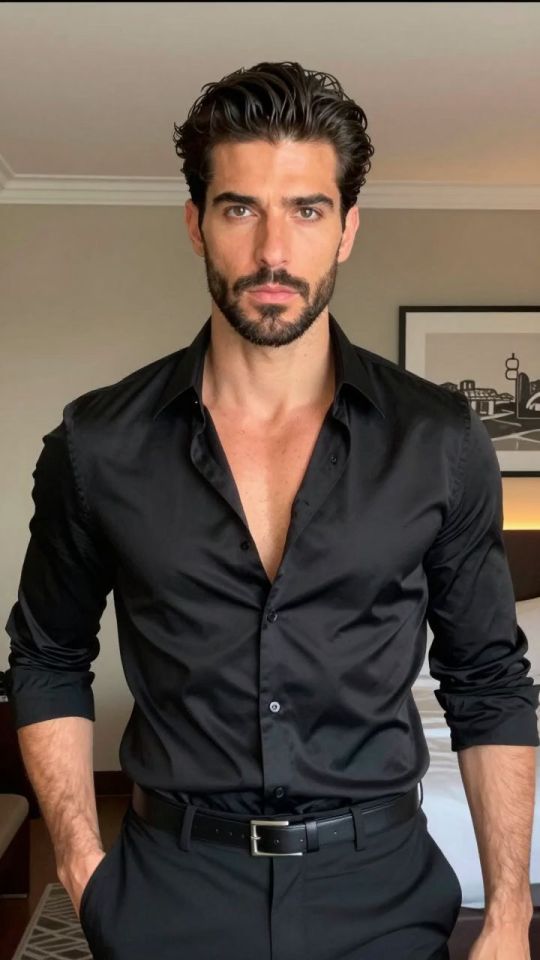
 НОВОЕ ИЗОБРАЖЕНИЕ
⚡ Сгенерировать
 НОВОЕ ИЗОБРАЖЕНИЕ
⚡ Сгенерировать
 НОВОЕ 5s
⚡ Сгенерировать
 НОВОЕ ИЗОБРАЖЕНИЕ
⚡ Сгенерировать
 НОВОЕ ИЗОБРАЖЕНИЕ
⚡ Сгенерировать
 ИЗОБРАЖЕНИЕ
⚡ Сгенерировать
 5s
⚡ Сгенерировать
 НОВОЕ ИЗОБРАЖЕНИЕ
⚡ Сгенерировать
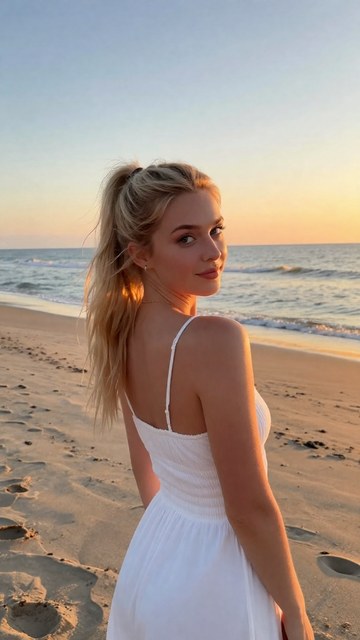 НОВОЕ ИЗОБРАЖЕНИЕ
⚡ Сгенерировать
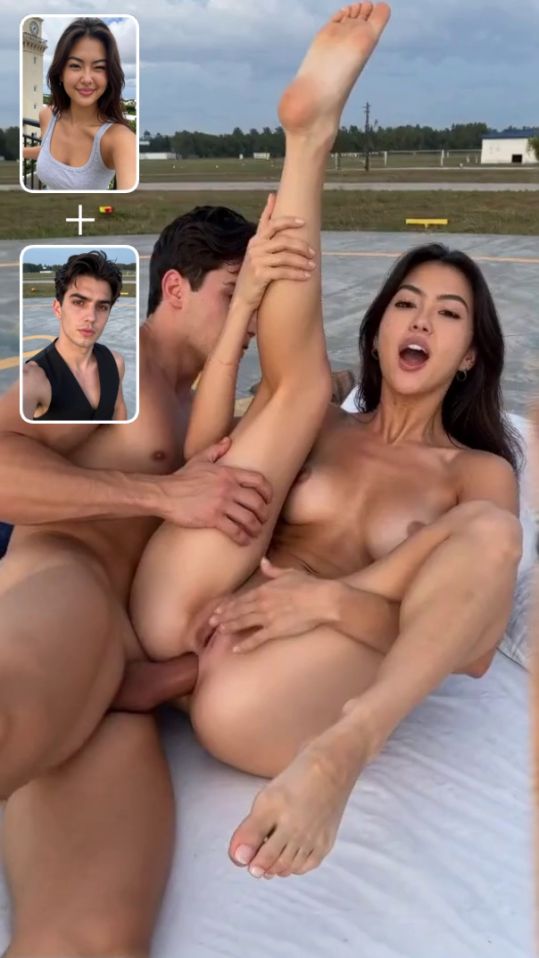 5s
⚡ Сгенерировать
На этой странице
Это AI face swap tool takes the face from one photo and puts it onto the person in another photo. You provide a source face — a clear portrait — and a target photo — the scene you want that face in — and the model blends the face into the target, matching the skin tone, the lighting and the angle so the result looks like one photograph, not a cut-and-paste.
It is the fastest way to put yourself, or a character you created, into a scene that already exists. The target photo provides the body, поза, the clothes and the setting; the source photo provides only the face. Because only the face changes, the rest of the image stays exactly as it was — the composition, the lighting and the background are untouched.
A face swap takes four steps, and the whole process usually finishes in under a minute.
Here is what the face swap tool offers, and why the match between the two photos matters so much.
The model blends the face into the target photo, matching skin tone, lighting and angle, so the result reads as one photograph.
The pro model handles harder cases — different lighting, a turned head, glasses — and keeps the facial features sharper and more faithful.
Only the face changes. The body, поза, одежда, the background and the lighting of the target photo are preserved exactly.
Most swaps finish in under a minute, so you can try a few source and target combinations and pick the most natural blend.
Your photos are tied to your account and are never published. Входные изображения удаляются автоматически после генерации.
Портреты, selfies, generated images and gallery pictures all work as source or target, as long as the faces are clear and well lit.
A face swap is only as good as the match between the two photos. These five habits decide whether the blend looks real or pasted on.
The source face and the target face should both be front-facing, or close to it. If the source looks straight at the camera and the target looks away, the model has to rotate the face, and the result looks stretched or wrong. Pick a source and a target that face the same direction, and the blend will be far more natural.
A face photographed in bright daylight will not blend into a photo taken in a dark room. The skin tone, the shadows and the highlights will disagree, and the swap will look pasted on. Match the lighting: daylight source with daylight target, warm indoor light with warm indoor light. When the lighting matches, the skin tones match too, and the blend disappears.
The two faces should be roughly the same size in their photos and at a similar angle. A close-up source face pasted onto a distant target face will look oversized; a small source face on a large target will look shrunken. If you can, crop the source photo so the face is about the same size as the target face before you swap.
A blurry or low-resolution face gives the model too little detail, and the swap comes out soft, waxy or featureless. Use a sharp, high-resolution source photo — the clearer the eyes, the eyebrows and the mouth, the more faithful the swap. If the source is blurry, сначала увеличьте это, or pick a sharper photo.
Running the same source and target pair twice gives almost the same result. If the skin tone clashes, the angle is wrong, or the face looks pasted on, the problem is the mismatch between the two photos — swap in a different source photo with matching light and angle, or a different target photo. One good match beats ten retries of a bad pair.
Face swap is the quickest way to put a specific face into a scene that already works:
The tool works best when the two photos already agree — same direction, same light, similar size. When they agree, the swap is nearly invisible. When they disagree, no amount of retrying will fix it.
Да. You need a source photo — the face you want to use — and a target photo — the scene that face should go into. Both should be clear and front-facing, with similar lighting and a similar face size, or the blend will look off.
When the two photos match in direction, lighting and size, the result is very realistic — the face blends into the target and the scene reads as one photograph. When they disagree, the swap looks pasted on. The match between the photos matters more than anything else.
Да. Your uploads are tied to your account and are never published, переданы или проданы. Input photos are deleted automatically after generation, и никто другой не может увидеть, что вы загрузили или что вы создали.
Only with that person’s consent. Swapping a real person’s face into an image without their permission — especially into adult content — violates the site terms and can lead to your account being closed. Use your own face, a generated character, or a face you have permission to use.
Each swap costs credits, и точная цена показана на кнопке перед подтверждением. The pro model costs more than the standard model, because it handles harder lighting and angles. Start with the standard model and switch to pro when the standard result is not good enough.
The image face swap works on still photos. For video, use the Video Face Swap tool, which tracks the face across frames so the swap stays consistent as the person moves. A still-image swap applied to one video frame will not move with the person.
Готовы попробовать? Upload a source face and a target photo in the tool at the top of this page and see the blend in under a minute.
Анализ вашего фото…
Ваш результат появится прямо здесь — держите это открытым.
0:00
Ваше изображение удаляется после генерации.
Выбрать файлыНеудачные задания возвращаются автоматически. Результаты попадают в Моя коллекция.
Войдите через Google, чтобы начать генерировать
Открытие безопасного входа через Google…